Poojai Flagship Solution

Mecho is a POS and operations software for auto garages and parts stores.

Mecho is Poojai's first live solution, giving auto businesses one streamlined system for parts sales, inventory, customers, repair jobs, invoices, reporting, and daily workflow.

Mecho POS checkout screen

What Is Mecho?

A focused operating system for auto service and parts sales.

Mecho helps auto business owners and teams replace scattered manual processes with a clear digital workflow. It brings parts sales, inventory, customer records, vehicle service jobs, invoices, and performance visibility into one organized product.

Built as Poojai's flagship live solution, Mecho is designed around the real pace of auto work: counter sales, parts stock, active jobs, repeat customers, service history, billing, and day-to-day operational control.

POS + CRM

Built around the counter sale and the customer record.

Mecho is built for garages, mechanics, service centers, repair shops, and auto parts stores that need both sides working together: a fast POS for the front counter and a CRM for customers, vehicles, jobs, invoices, and follow-up.

The sale is not separate from the relationship. Parts sold, payments taken, customer history, service jobs, and reports all stay connected in one operating system.

Mecho POS payment screen

Front Counter POS

The sales screen built for fast auto parts checkout.

POS Home

Start each sale from a clean, focused checkout workspace.

The Mecho POS screen keeps products, cart activity, totals, and checkout actions visible so counter staff can move through parts sales with less friction.
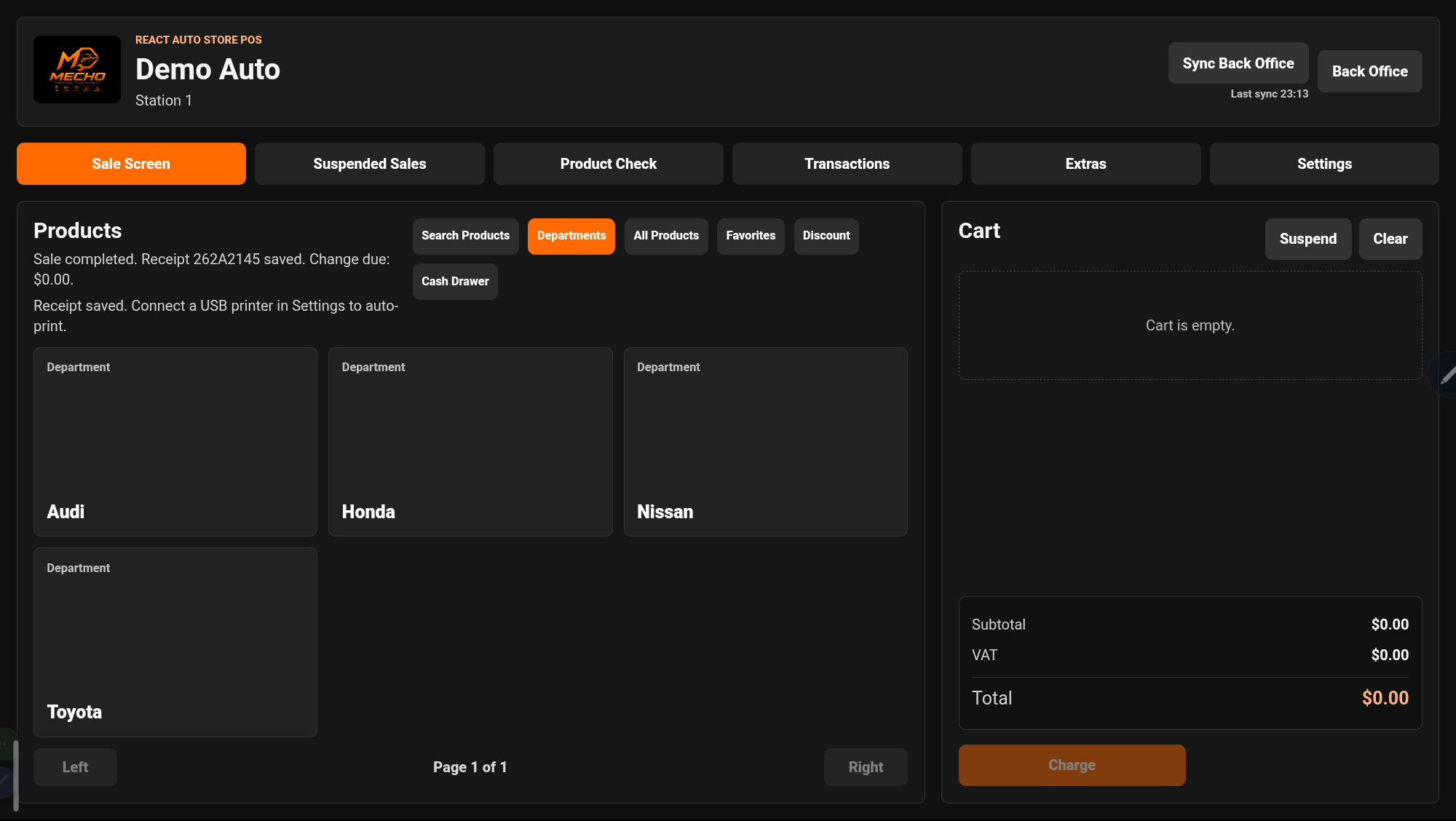
Mecho POS homepage checkout screen
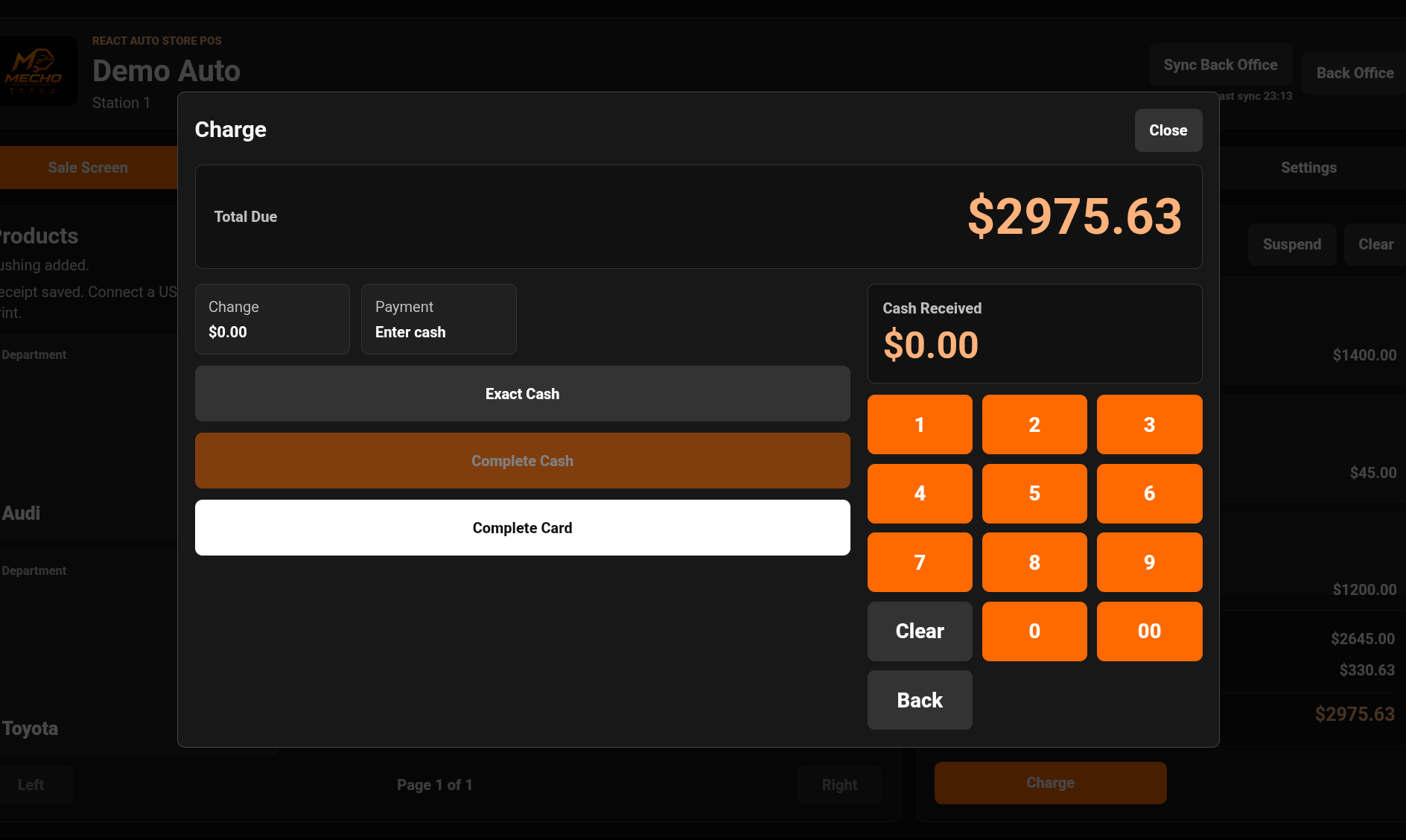
Mecho POS charge payment screen
Charge

Take payment without breaking the flow.

Keep the cart, customer, and payment step connected at checkout.

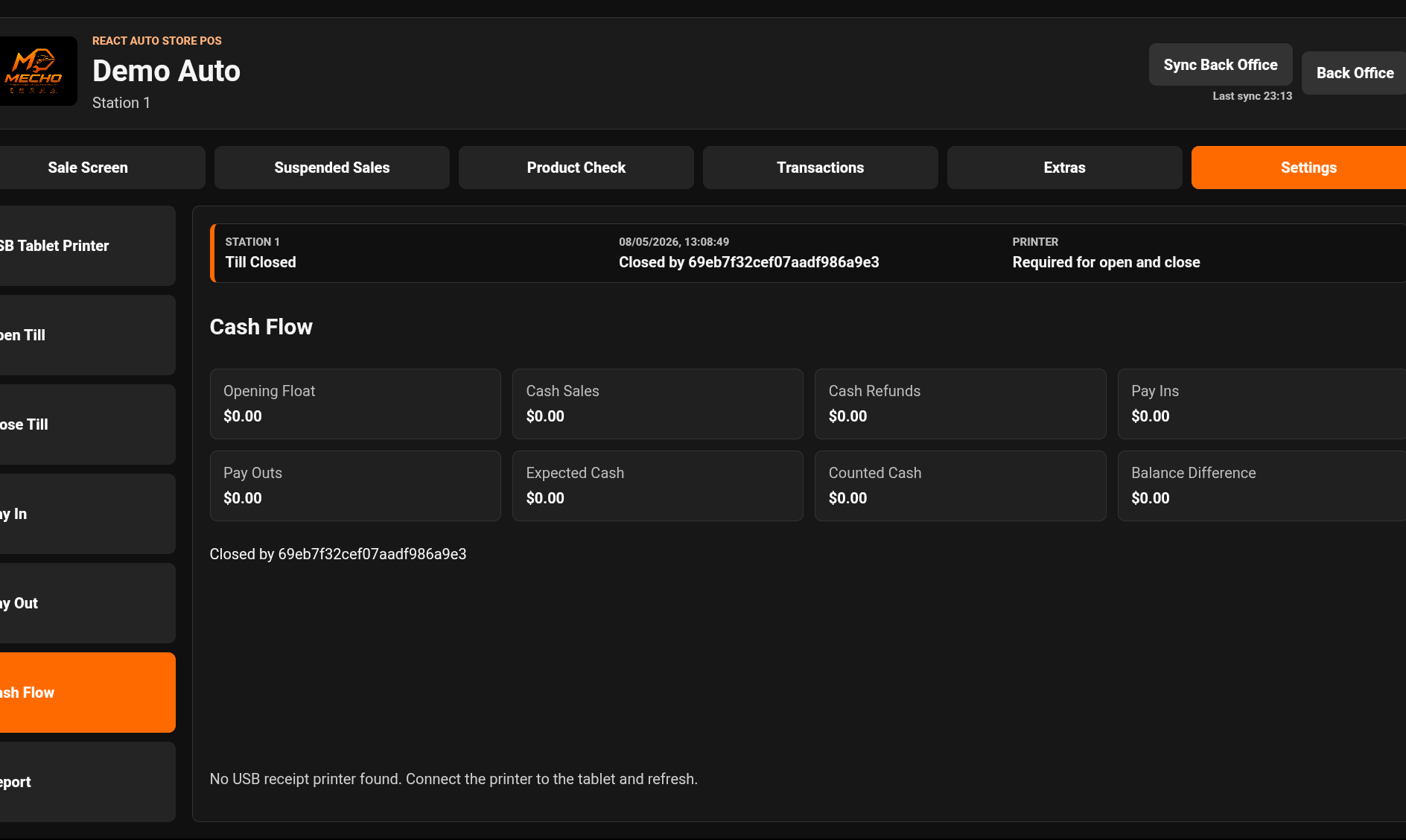
Mecho POS cashflow screen
Cashflow

Track register movement clearly.

Give owners better visibility into money coming in and moving through the POS.

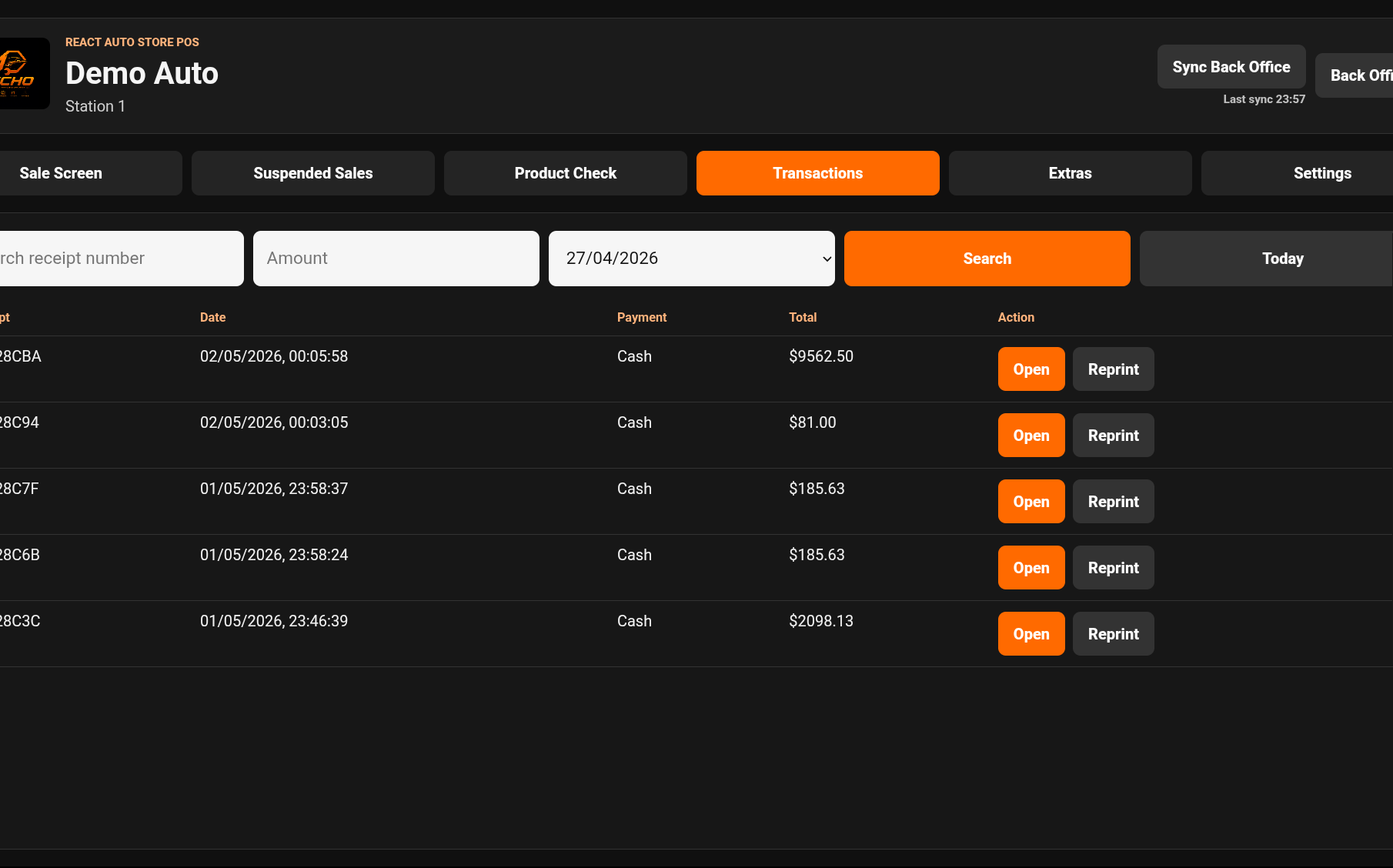
Mecho POS transactions history screen
Transactions

Review completed sales from one place.

Find recent transactions, verify activity, and connect sales history back to reporting.

BackOffice POS

Point of sale tools connected to the garage workflow.

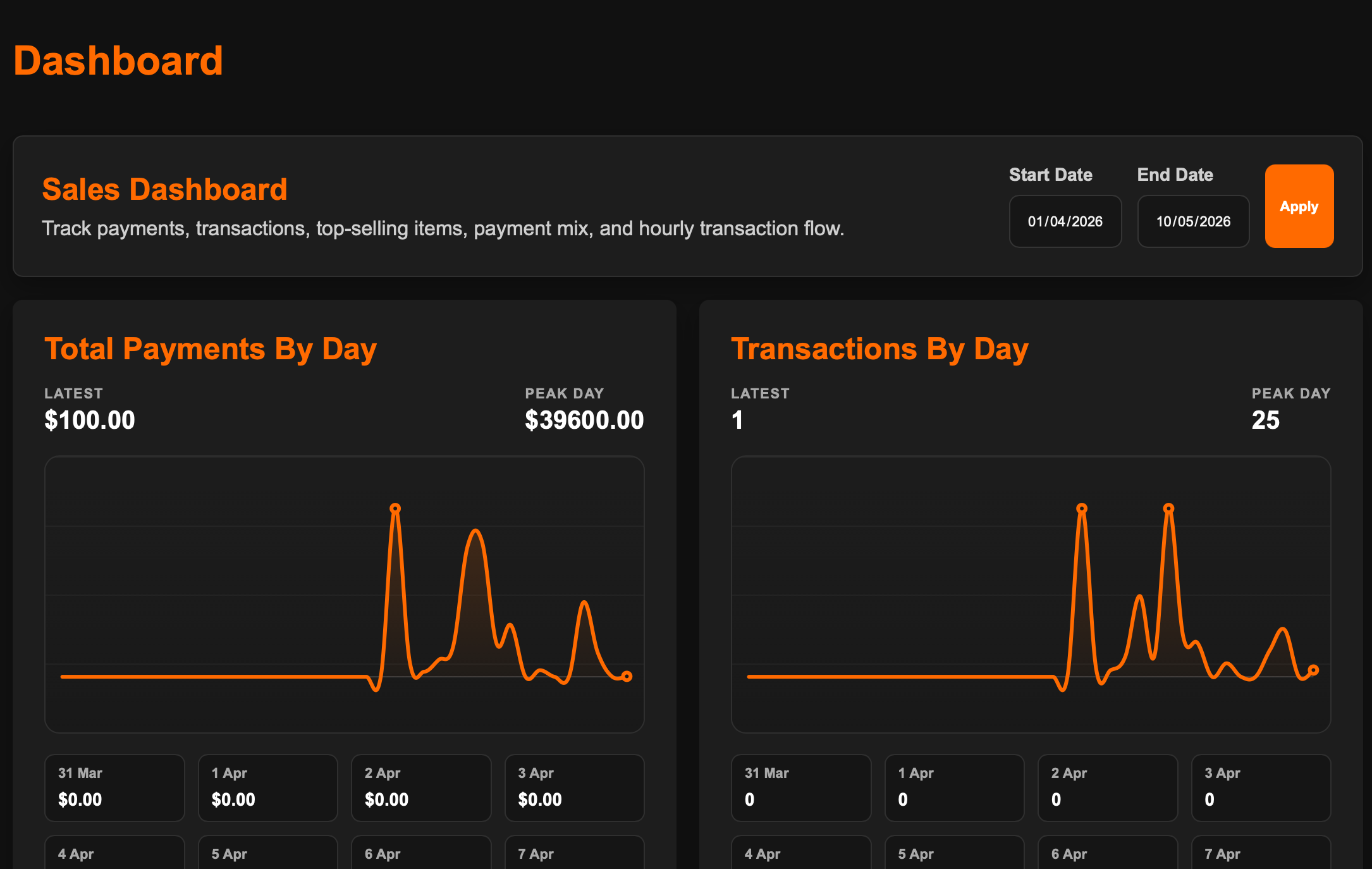
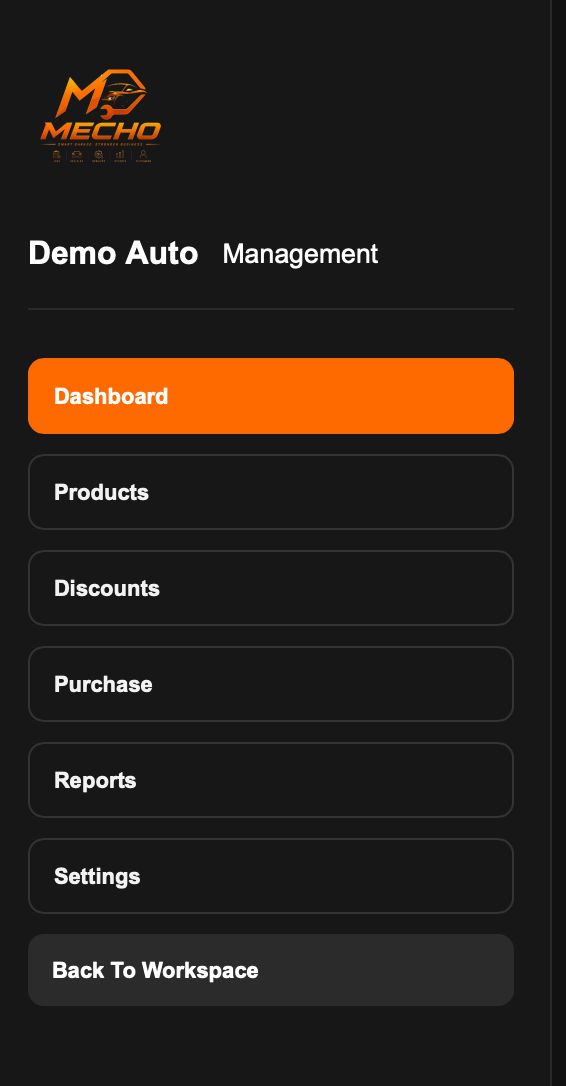
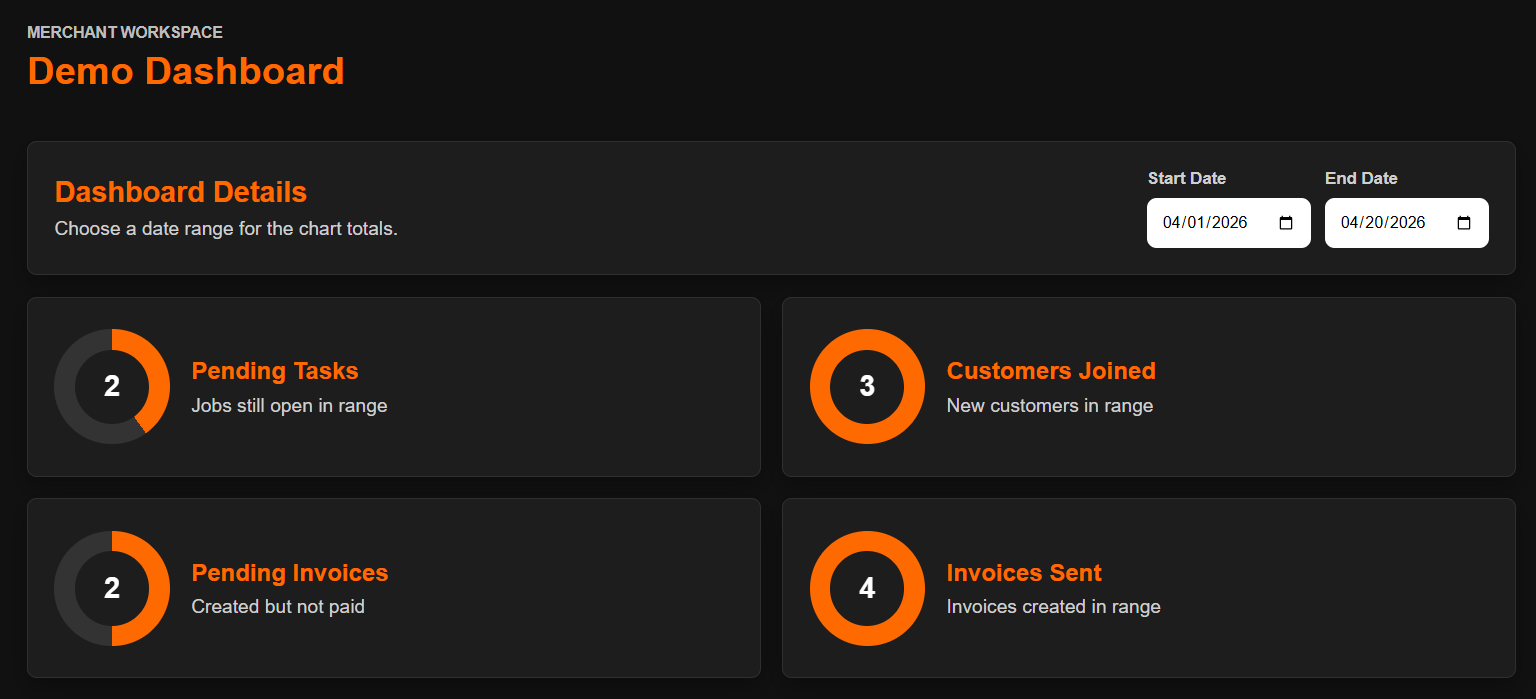
Dashboard

See sales, orders, and shop activity from one command view.

Mecho gives owners a clear backoffice dashboard for tracking daily POS activity alongside the garage and customer work already happening in the CRM.

Mecho POS backoffice dashboard screenshot
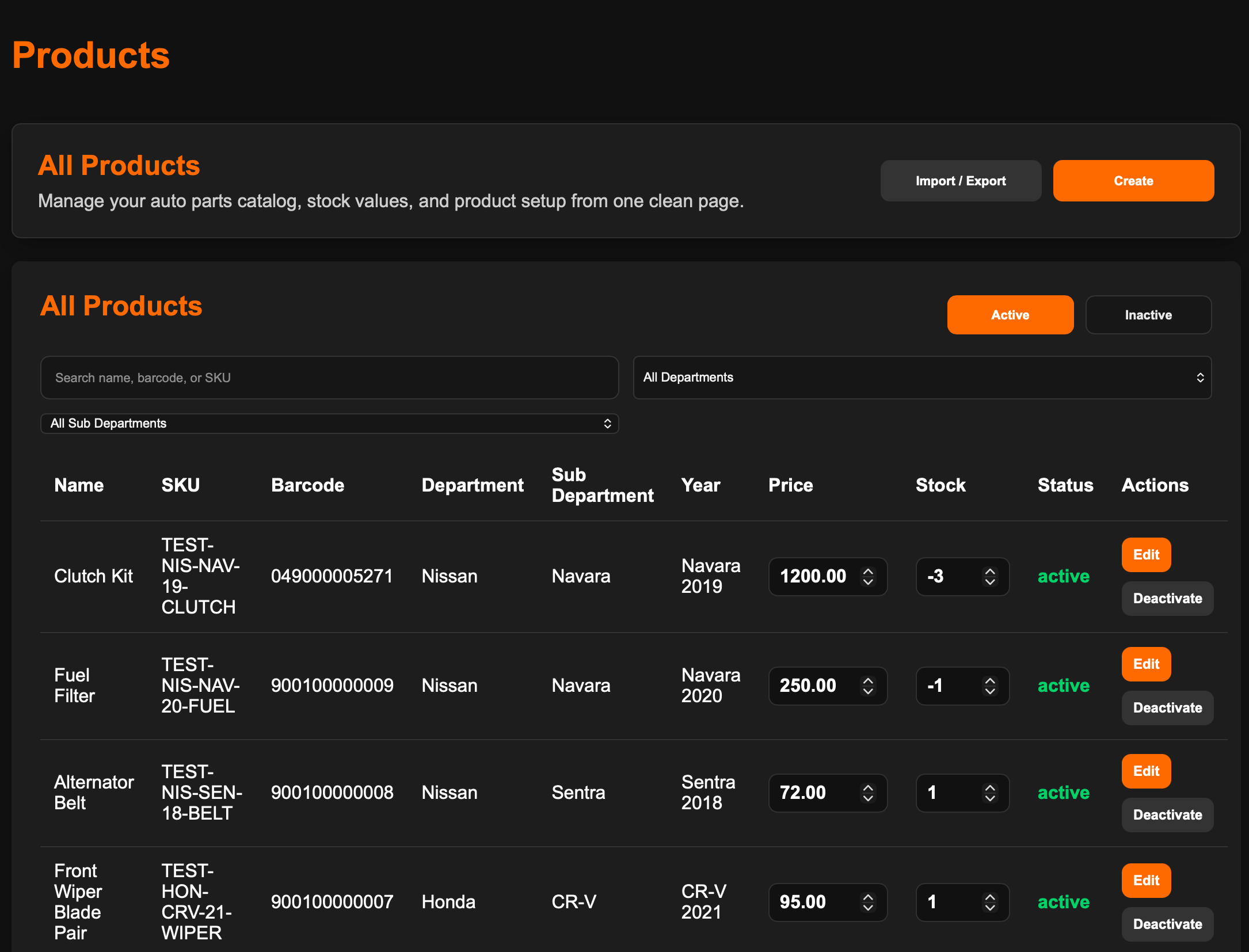
Products

Manage parts, items, and pricing.

Keep parts and products organized so counter sales, inventory checks, and customer invoices stay tied to the same operating system.

Mecho POS products management screenshot
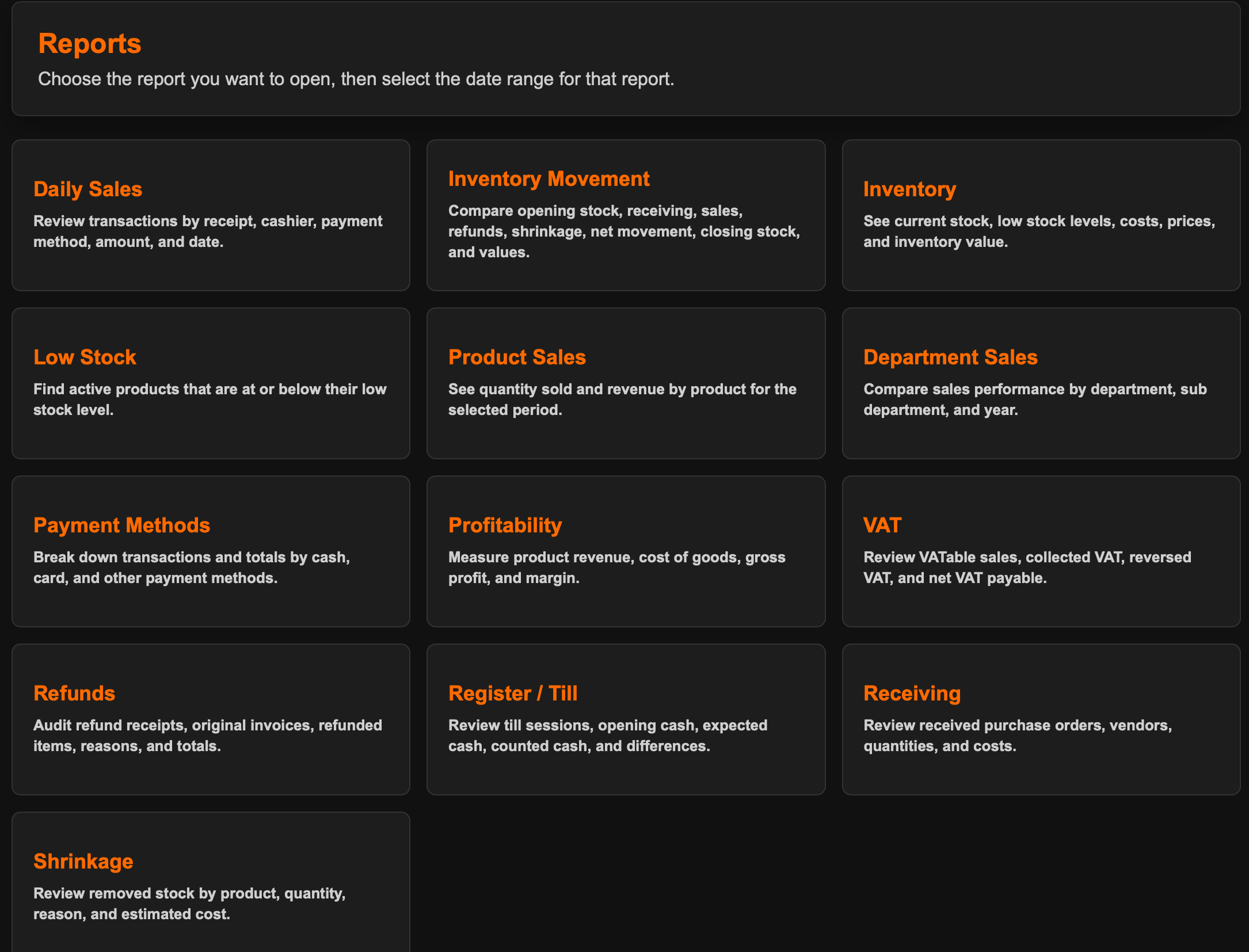
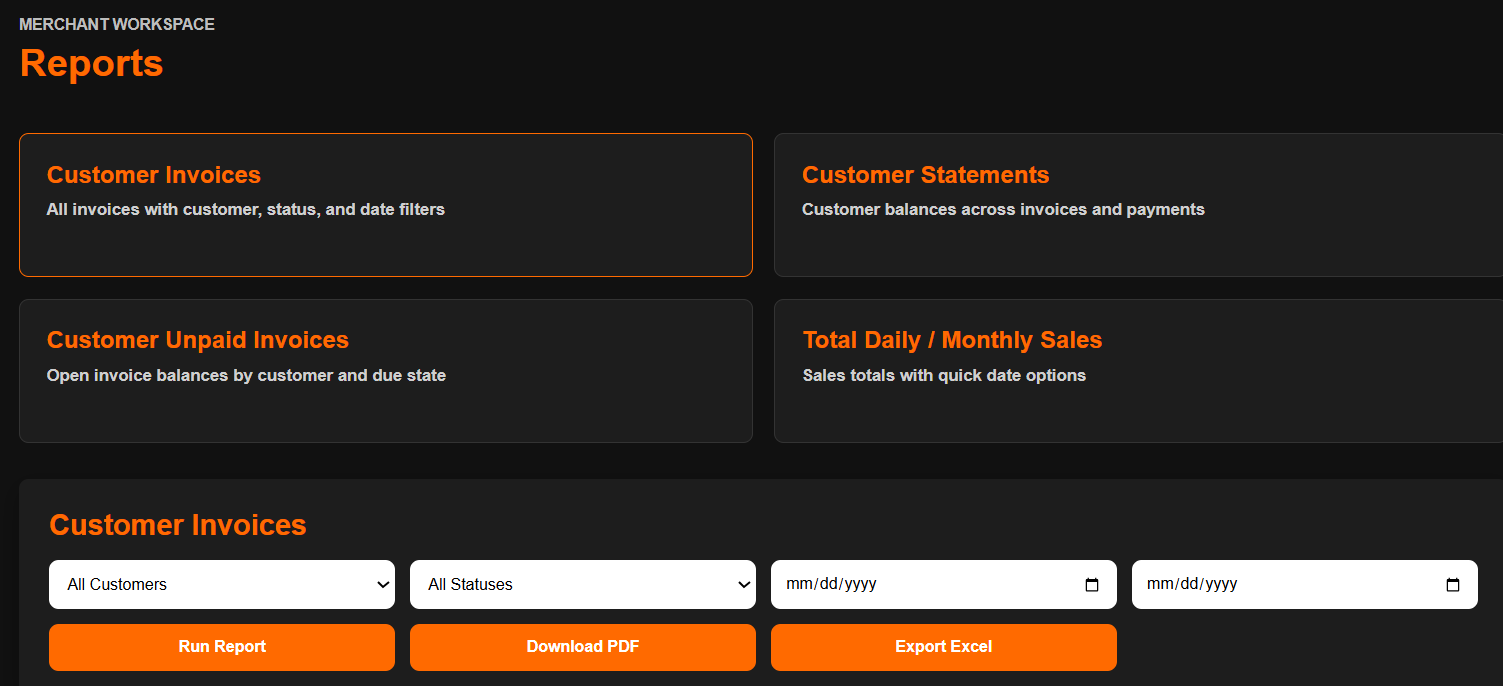
Reports

Turn sales data into decisions.

Review POS performance, spot business movement, and understand revenue without separating sales from the rest of the auto shop workflow.

Mecho POS reports screenshot
Checkout

A focused POS pane for fast counter transactions.

Handle the sales moment quickly while keeping the transaction connected to products, customers, invoices, and reports.

Mecho POS checkout pane screenshot

CRM + Operations

The customer, vehicle, and job tools behind every sale.

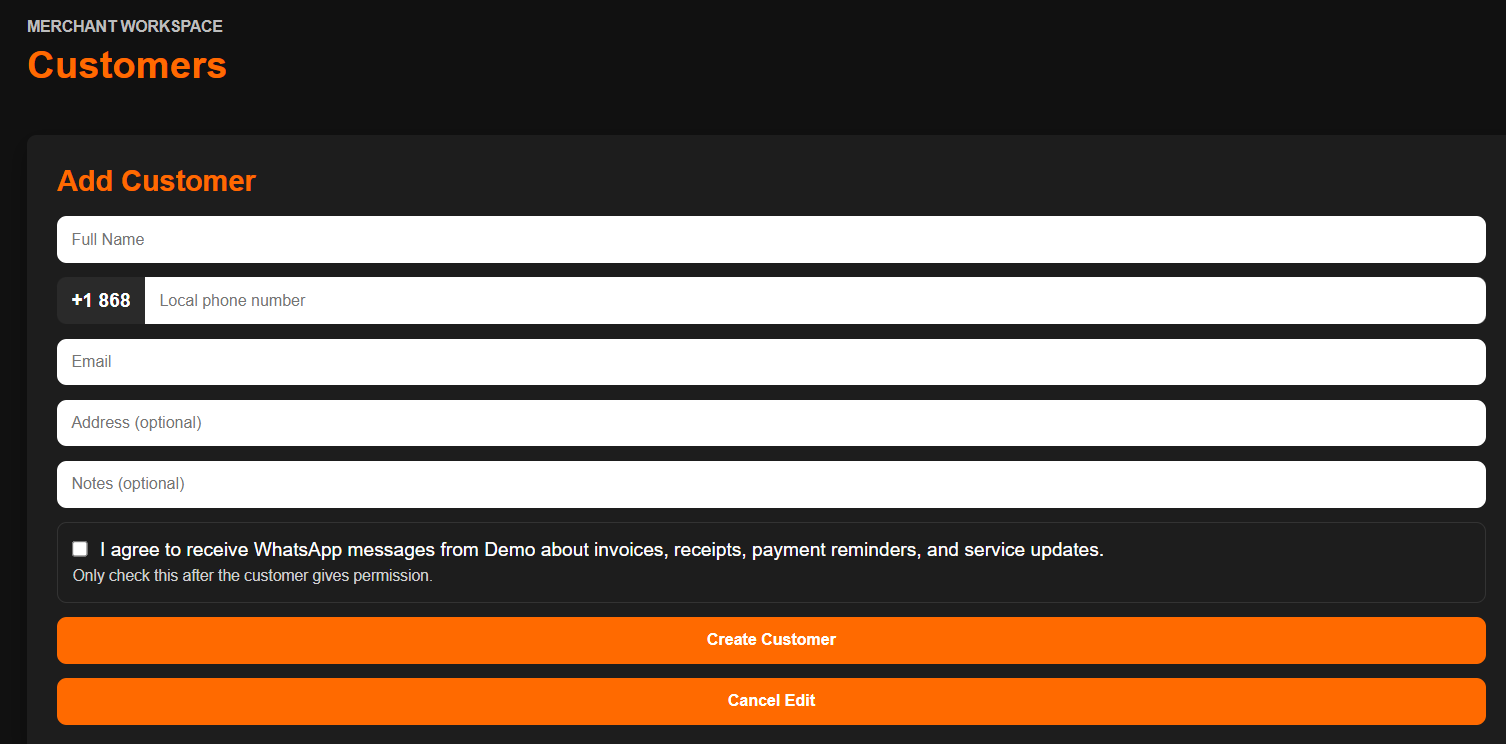
Customer Records

Customer management that keeps every visit connected.

Store customer details, vehicle information, contact history, and service records in one organized place so the business can serve repeat customers with context.

Mecho customer management screenshot
Parts POS

Fast counter sales for auto parts and shop transactions.

Sell parts from the counter, create clean receipts, and keep daily sales connected to the same system that tracks customers, invoices, and business activity.

Mecho POS dashboard screenshot
Inventory

Parts inventory visibility for smarter stock control.

Track parts movement, understand what is selling, and give owners a clearer view of stock activity across the parts counter and service workflow.

Mecho inventory and reporting screenshot
Job Tracking

Track active work without losing sight of the shop floor.

Follow repair jobs from intake to completion, see job details clearly, and keep the team aligned on what needs attention next.

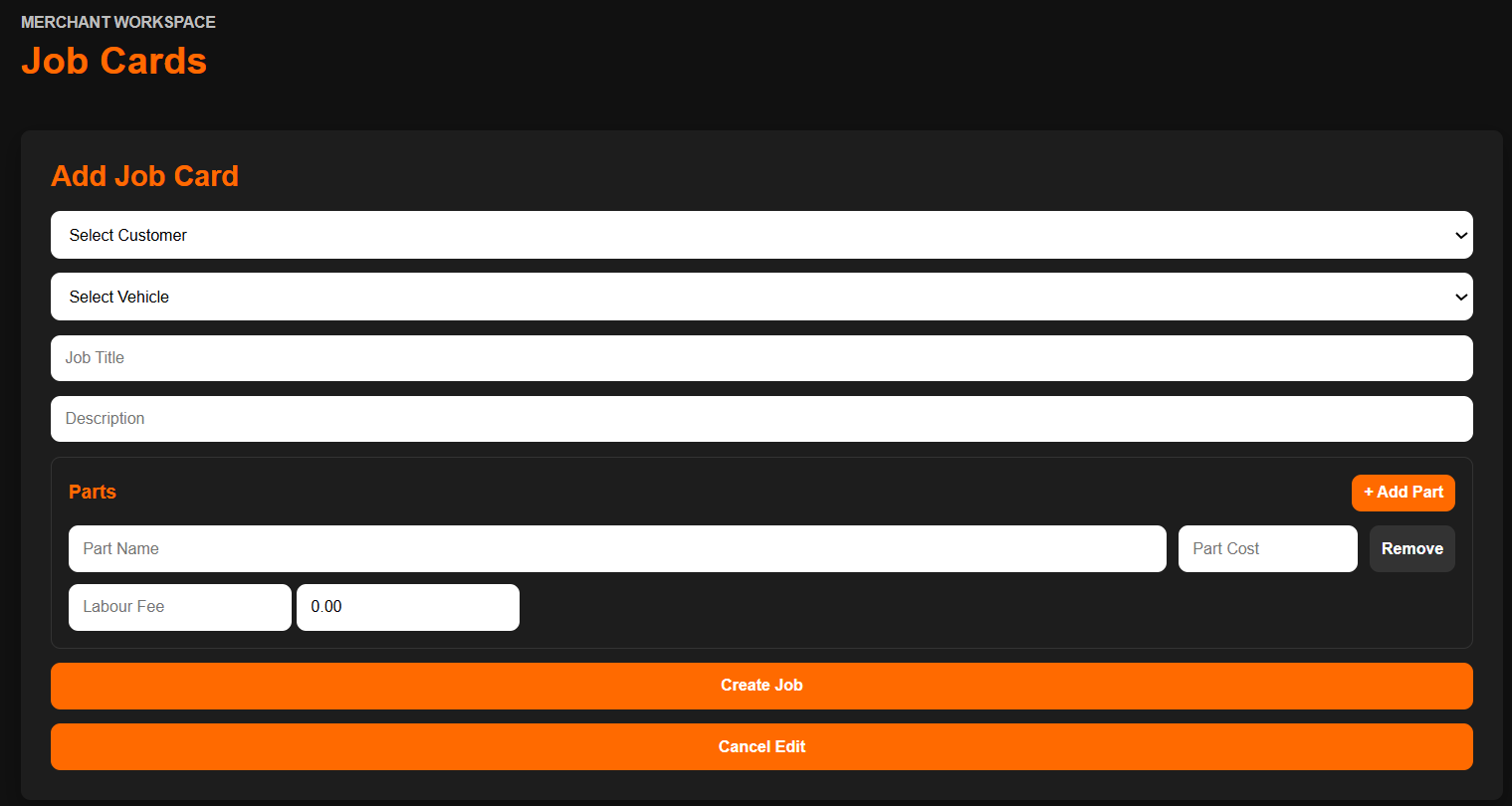
Mecho job tracking screenshot
Invoices

Professional invoices that make the business look sharper.

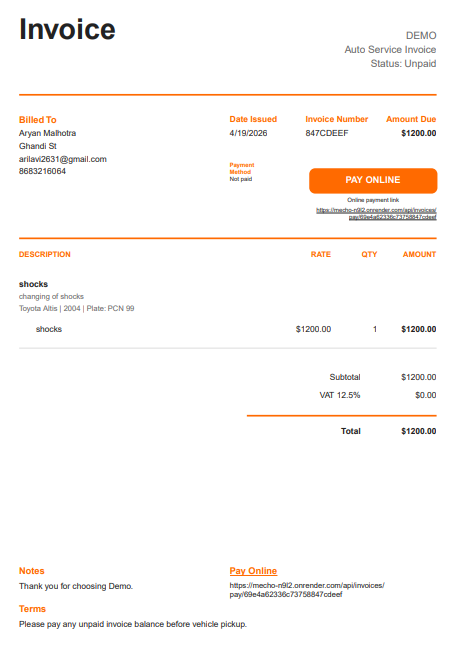
Create clear customer invoices connected to parts sold and work completed, helping teams reduce manual billing and present costs professionally.

Mecho invoice preview screenshot
Reports

Revenue and performance visibility for better decisions.

Monitor business activity, completed work, revenue movement, and operational performance so owners can understand what is happening faster.

Mecho reports screenshot
Workflow

One dashboard for the rhythm of daily auto operations.

Bring parts sales, jobs, customers, invoices, inventory, and reporting into a single workflow so the business runs with less scattered information and more control.

Mecho dashboard screenshot

Why Auto Businesses Need It

More control over sales, jobs, customers, stock, and revenue.

Auto work moves quickly. Parts are sold, jobs come in, customers call for updates, invoices need to be created, and owners need to know what is happening across the business. Without a dedicated system, important details can get lost.

Mecho gives auto businesses a cleaner way to operate by connecting the daily workflow to the information owners need: counter sales, inventory movement, active work, customer history, billing, completed jobs, and business performance.

Book A Mecho Demo

Run auto sales and service operations from one focused system.